Obeya's GitHub page
What a first-time visitor to github.com/sadilek/obeya sees: the About box, the top of the README, and the picture a shared link shows.
About box live now
Homepage obeya.si and twelve topics, set through GitHub's API.
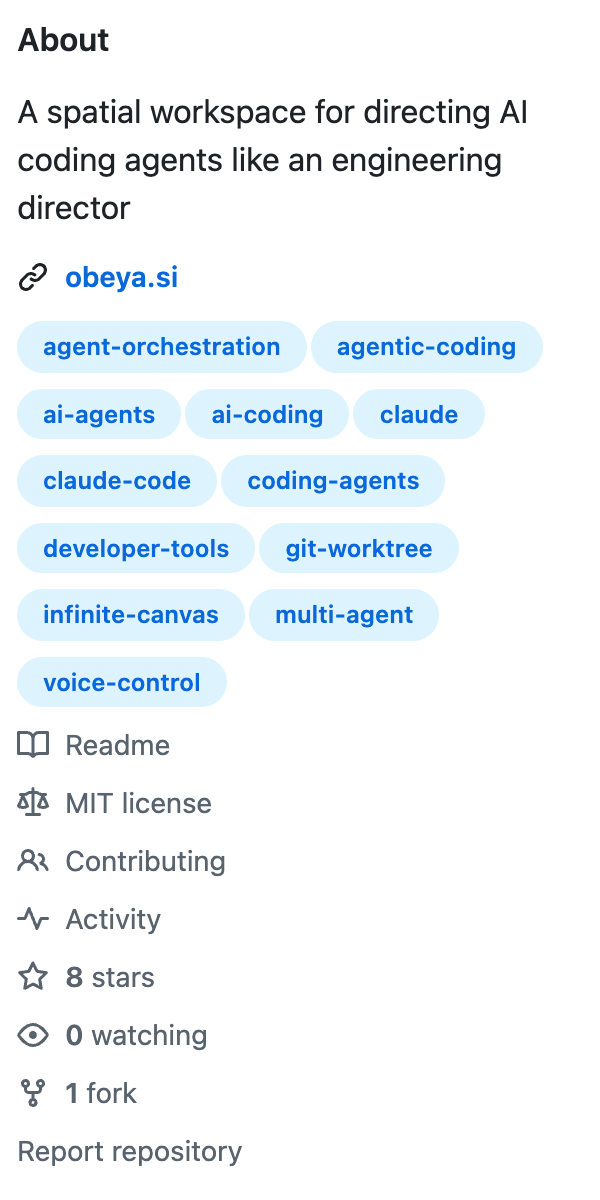
- Topics picked by how many repositories use them on GitHub, e.g. claude-code (≈100k), ai-agents (≈127k), developer-tools (≈88k), coding-agents (≈7k), agent-orchestration (≈4.5k), git-worktree (≈1.5k).
- spatial-canvas has only 15 repositories, so infinite-canvas (≈340) stands in for it, and voice-control (≈900) for the much broader "voice".
- The description stays as it was.
README once main is pushed to GitHub
The loop is new (18 s, 3 MB, cut from the hero video and served from obeya.si): it takes the place of the film's picture and links to the film. So is the last sentence of "Contributing". The rest is unchanged.

A spatial workspace for directing AI coding agents the way an engineering director directs a
team. Every task and every project is a card on one canvas. Agents do the work in the
background; you keep every essential decision — made by voice, from a narrated demo of the
finished work, without reading code or cycling through terminals. At your desk or from your phone.
Obeya is Japanese for "big room": in lean management, the room where every project hangs
visibly on the walls. More on obeya.si.
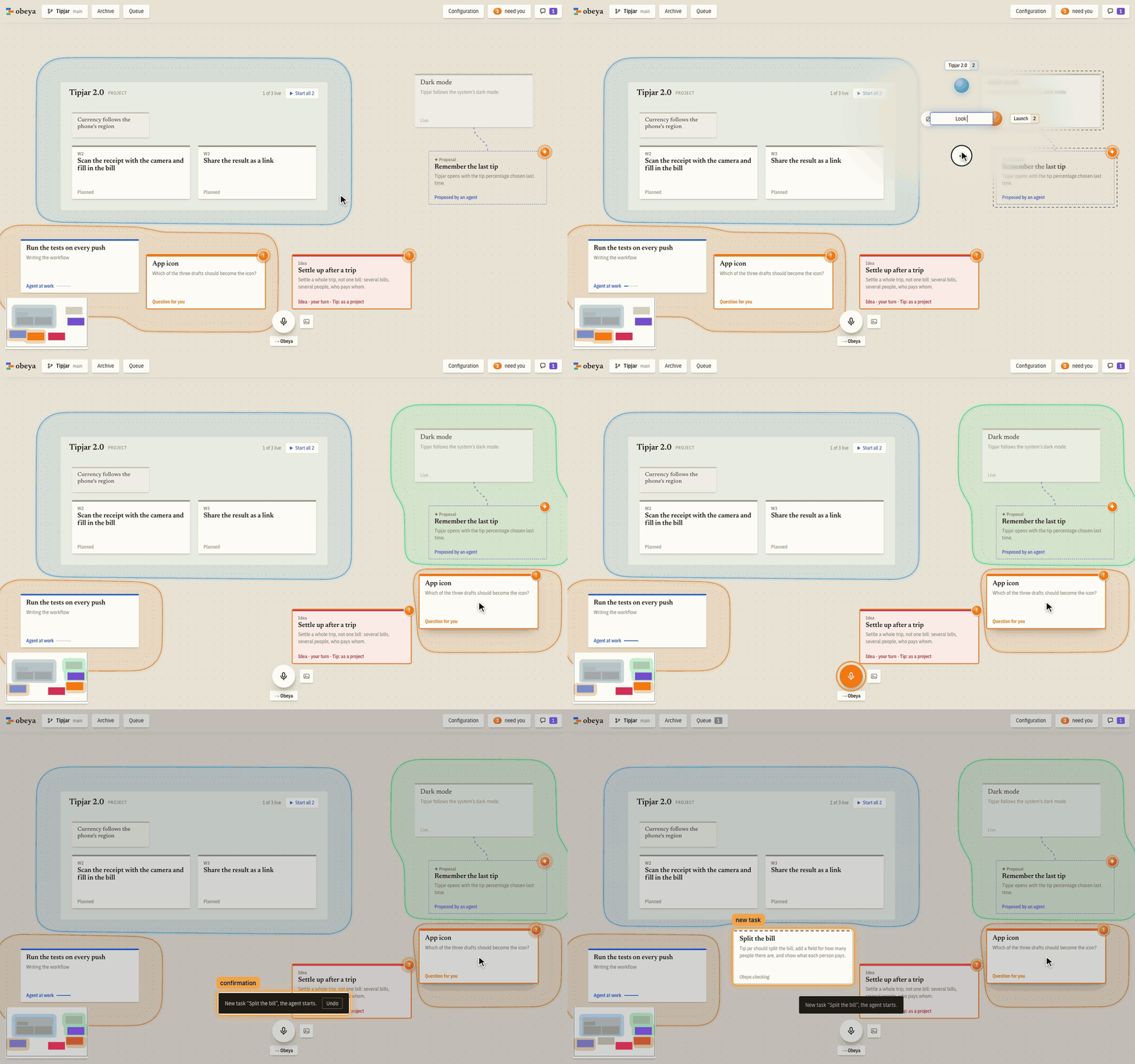
The video shows Obeya at work in four and a half minutes: an idea is said into the microphone, an
agent builds it and records its demo, and the approval lands it on main (watch on
obeya.si, with captions and chapters).
See every feature in action: each change to Obeya comes with the demo its agent recorded, on
demos.obeya.si.
⋯
Contributing
How Obeya itself is built, with Obeya, is in CONTRIBUTING.md. A wish or a bug
can be reported from inside Obeya ("Report a wish or a bug" in "Configuration"): it drafts a GitHub
issue for you to send.
Issues and pull requests are welcome.
Social preview needs your upload
Shown when someone shares a link to the repository (Slack, LinkedIn, X). None was set; GitHub showed its generated card. GitHub's API can't set it, so it needs one upload by you:
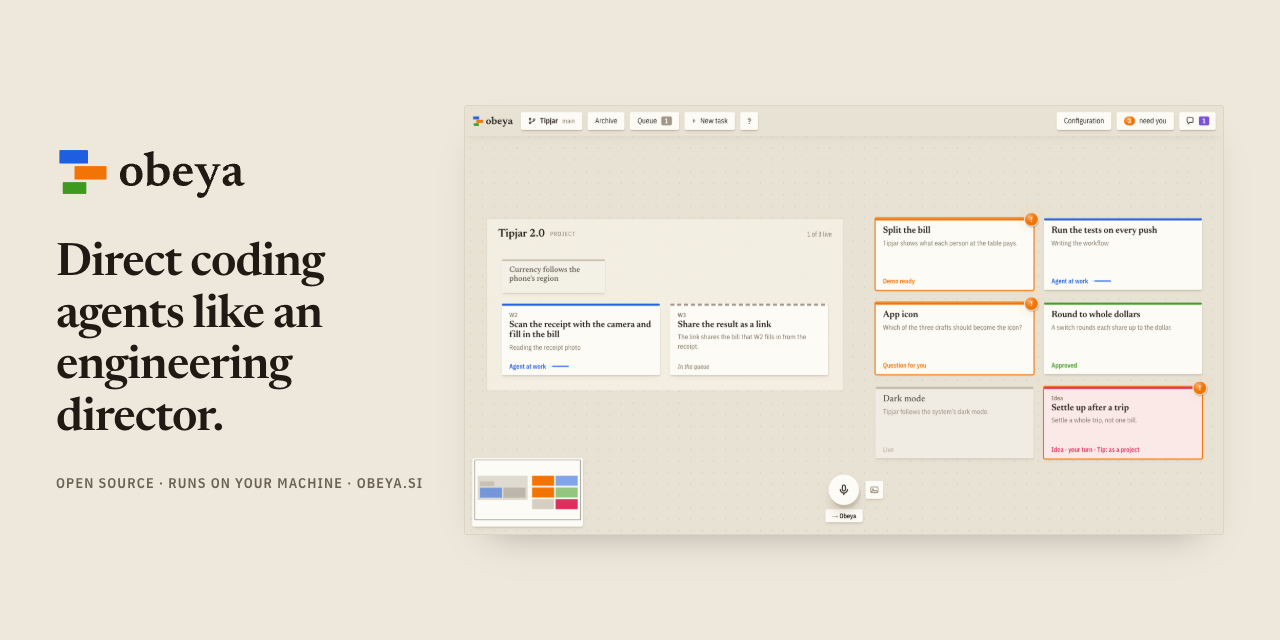
- Open github.com/sadilek/obeya/settings (General).
- Under Social preview, click Edit → Upload an image…
- Choose
/Users/sadilek/demos/obeya-github-page/social-preview.png(1280×640).